App Setup
🧭Start here
Follow these steps to launch your first upsell.
Install
Add Revenza Upsell to your store.
InstallSelect Plan
Choose a plan to use the most exclusive app features.
Activate App
Build your first upsell offer.
Enable App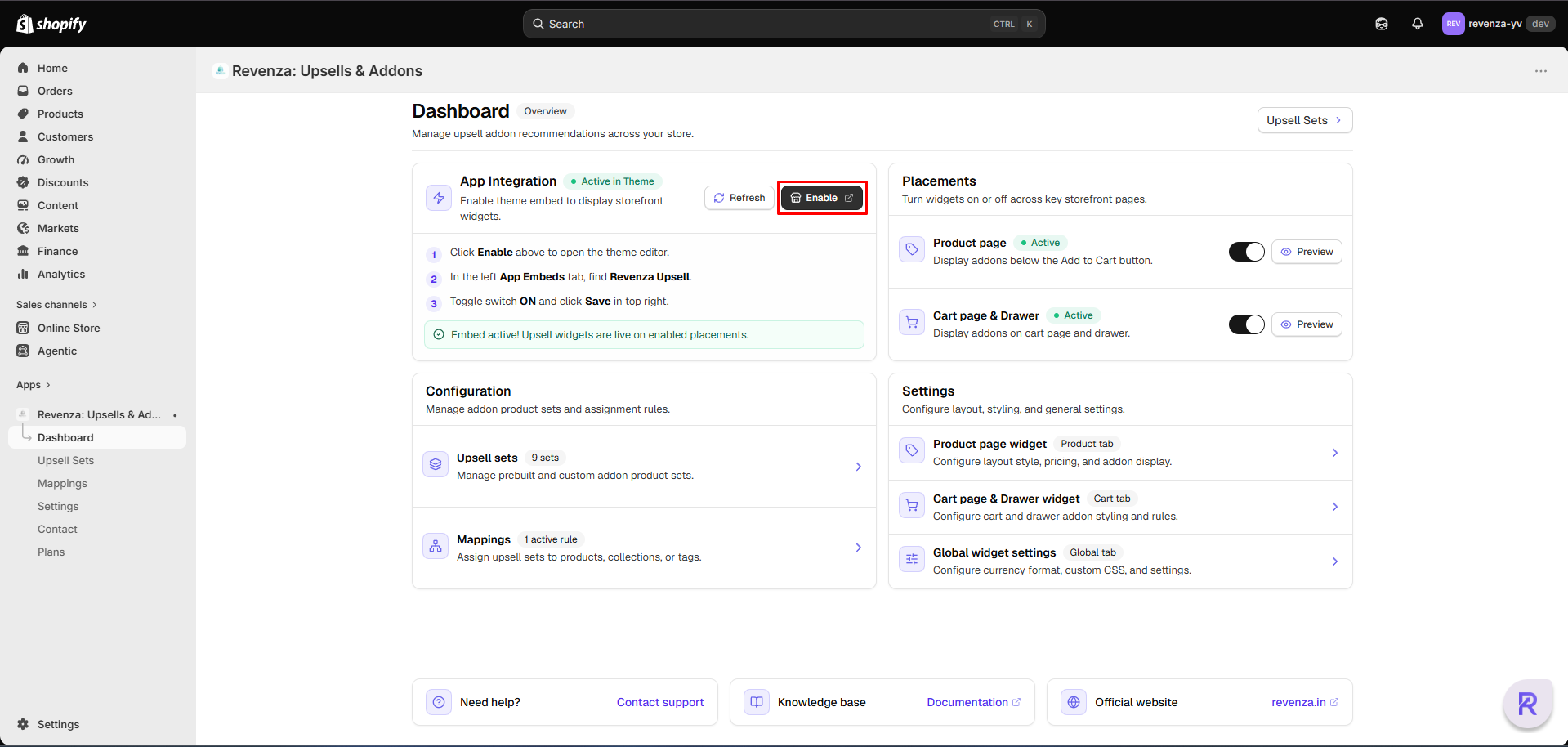
Go Live
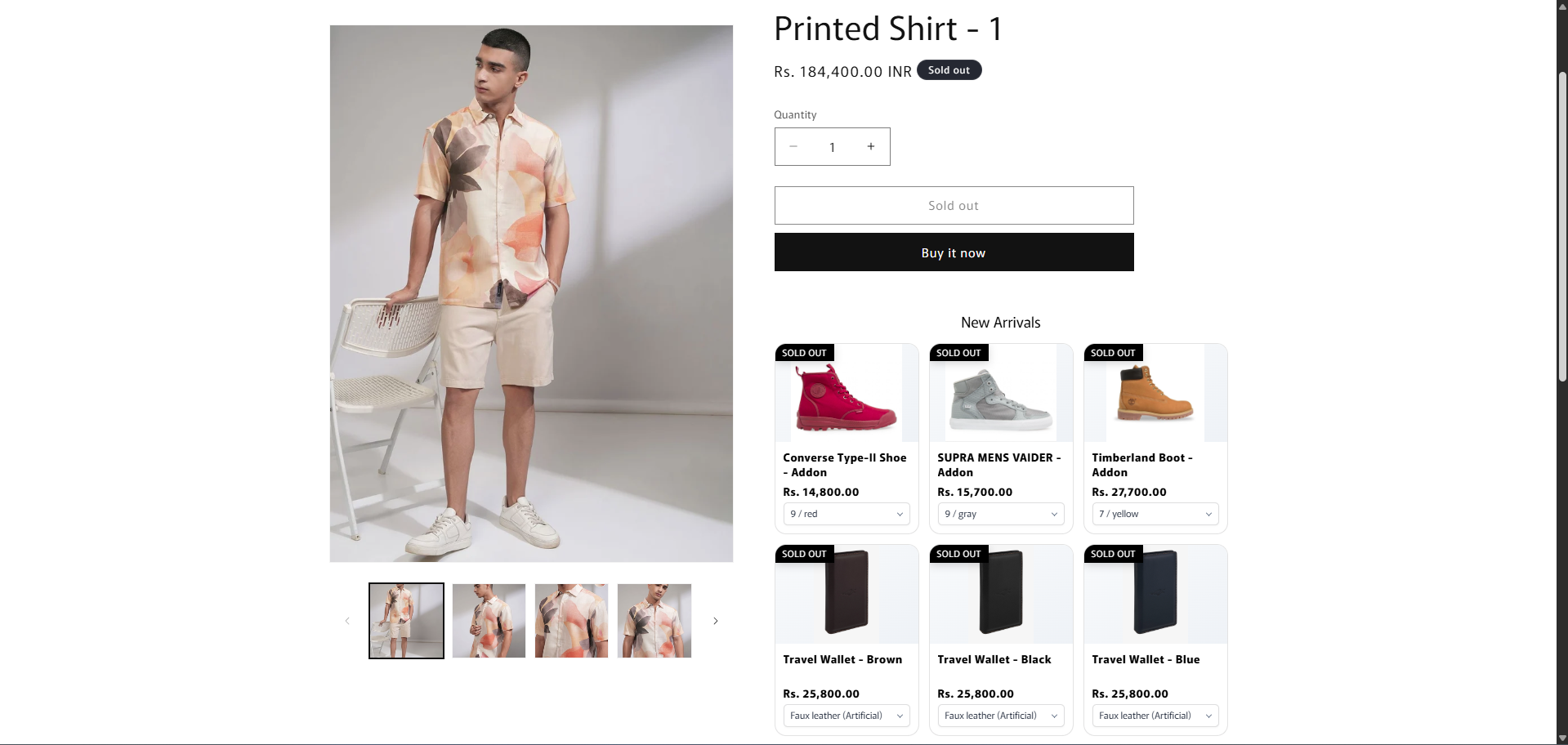
Upsell are now active on the store front.
Preview the Pre-built sets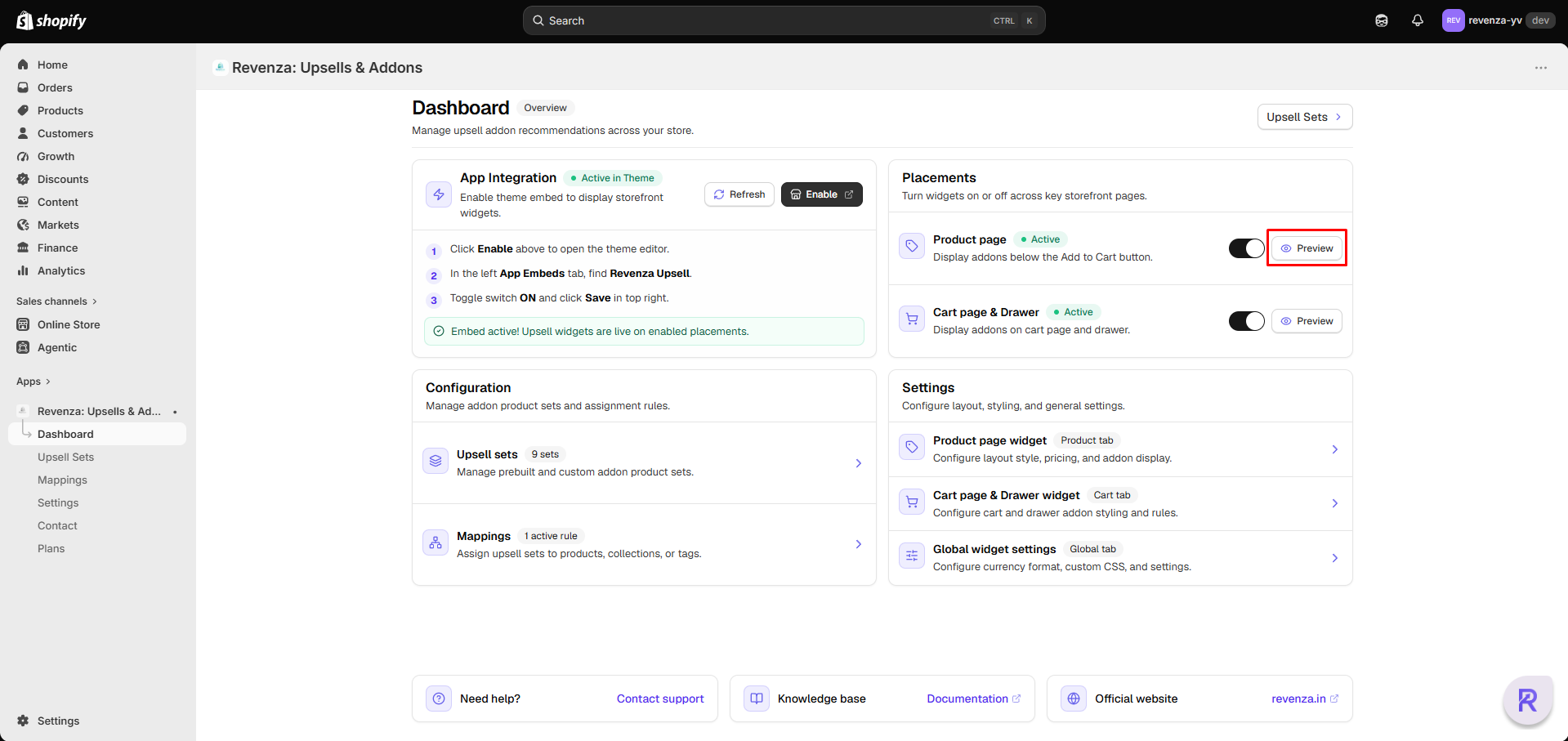
Popular guides
- Pre-build options — Display pre-build upsell options on products.
- Create Upsell Set — Build an offer in a few clear steps.
- Customize the experience — Match colors, text, and placement to your store.
Video tutorial
A concise walk through from offer setup to storefront preview.
info
Need help? Our merchant support team is here for you.
Contact support